
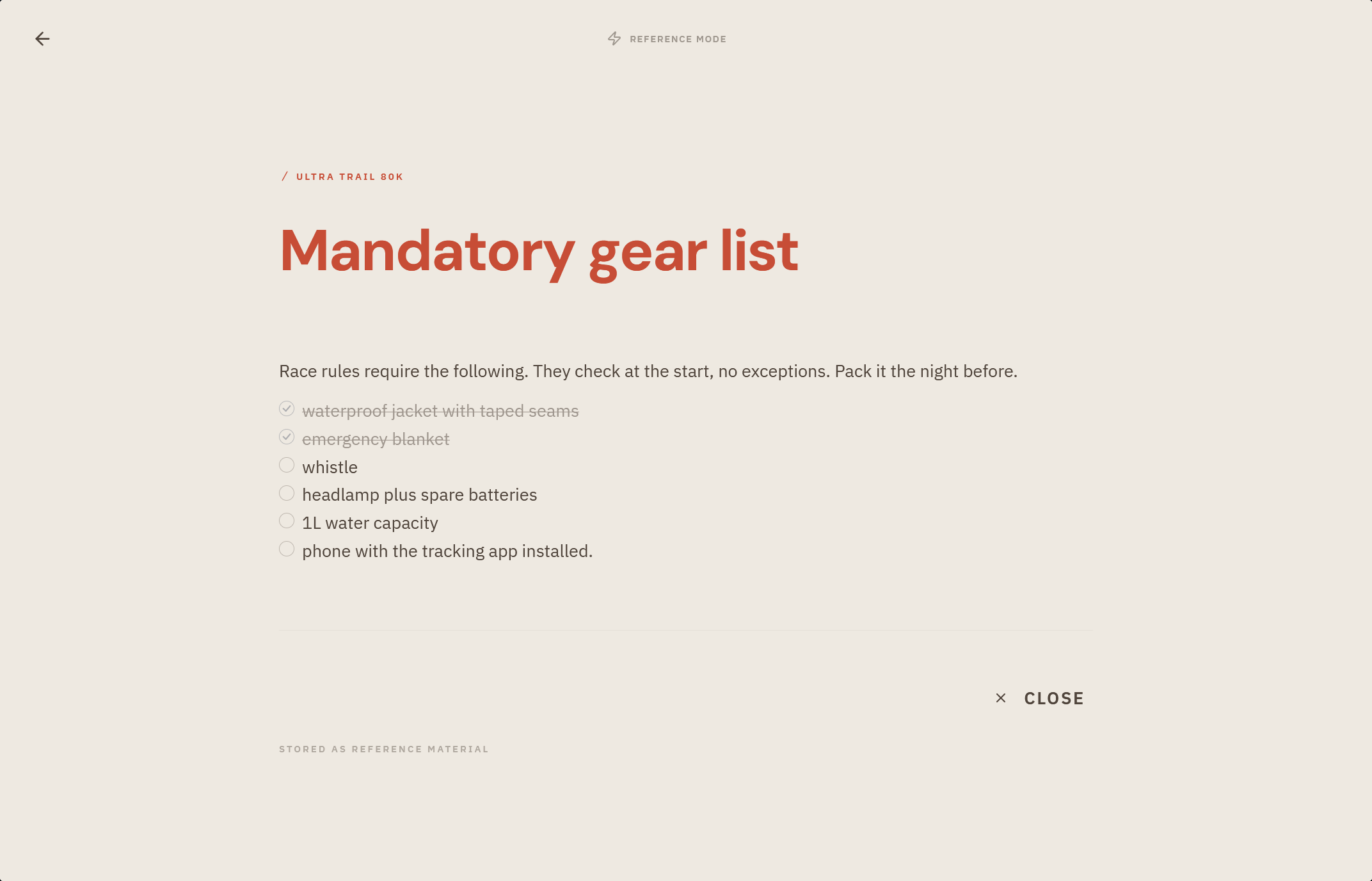
Focus Mode clears everything away except the task in front of you. Start a session, do the work, and tingdo keeps track of the time, so you can see where your attention went.
What you get
- A quiet screen dedicated to a single task.
- Your focus time, measured for you while you work.
- A calm way to commit to one thing instead of juggling the whole list.
How it works
- Open a task and enter Focus Mode to begin a session.
- Work until you're done or ready to stop.
- Return to your lists with the task moved forward and the effort logged.
Focus time you can trust
While you work, tingdo keeps time on the side. The clock only runs while you're actually there: it pauses when the app is in the background, ends a forgotten session on its own, and leaves glances under a minute out of the log entirely. What remains is the time you really spent, nothing more.

- Each task lists its sessions with day and duration, led by its total focus time.
- A session can be trimmed afterwards if it logged more than you worked.
- Your sessions appear in the Logbook too, where the time can be exported if you need it elsewhere.
Why it matters
- Choosing one next action and doing it is the whole point of organizing your tasks.
- Seeing the real time spent helps you plan more honestly next time.