
What to do next
See what's next
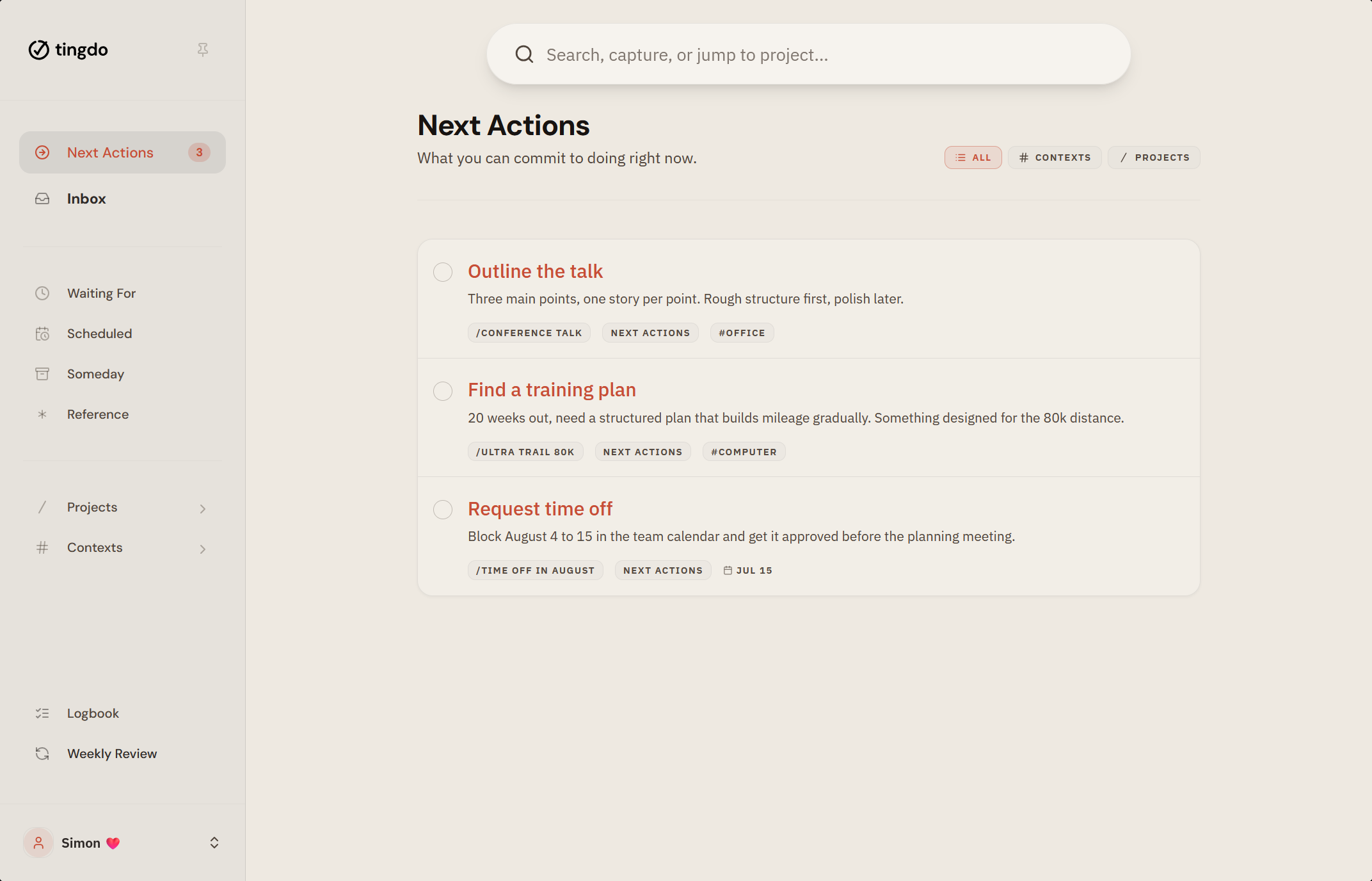
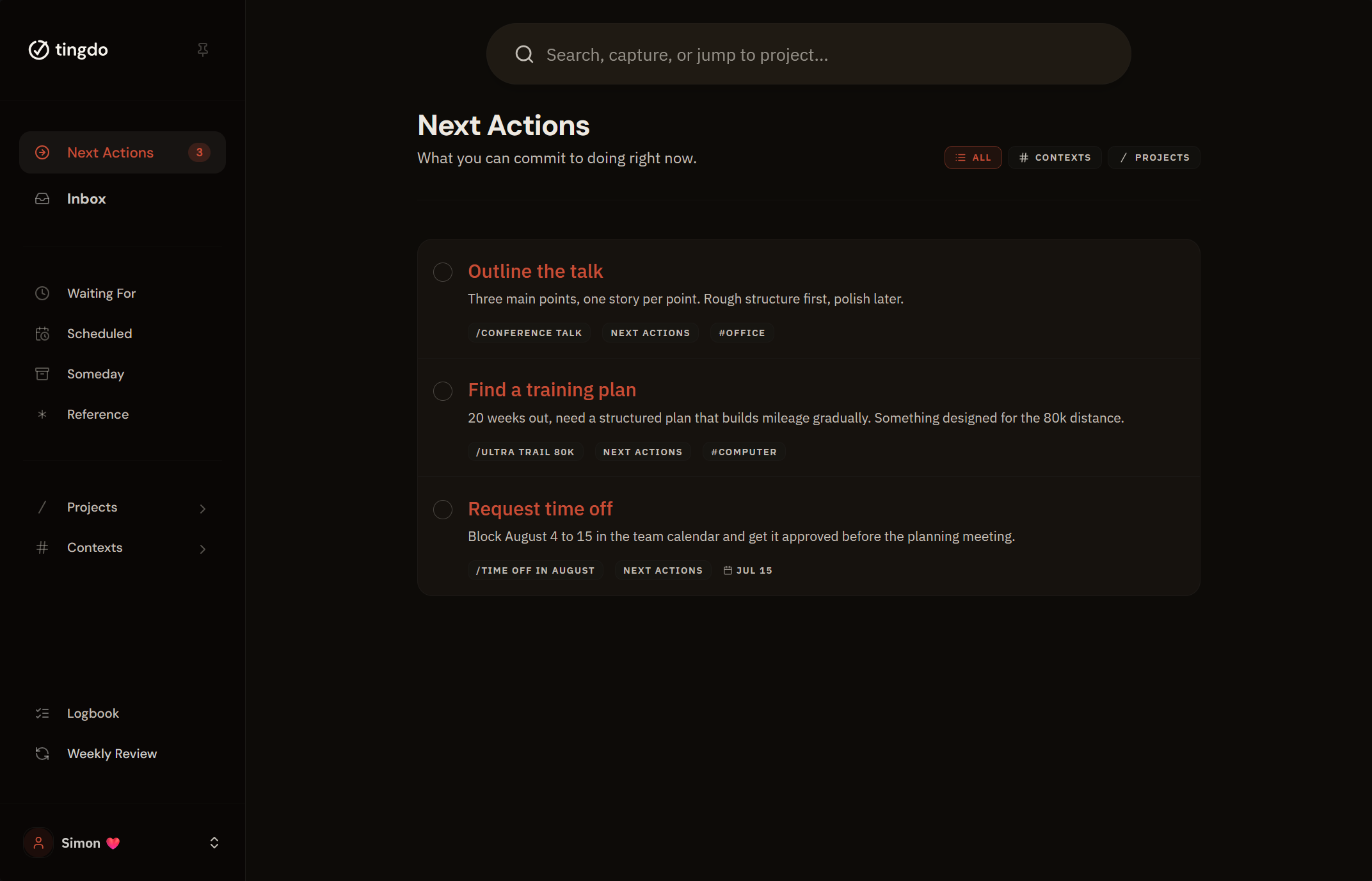
A task manager built on next actions and contexts, not deadlines and red badges. Open it and you see the things you can act on right now.
The problem
The problem with most task apps
They start helpful, then slowly turn against you. Counters grow. Red badges multiply.
Unfinished tasks become small accusations.
You stop opening the app. Not because you stopped caring, but because the app stopped helping.
Sound familiar? See how knowledge workers, freelancers, and people who gave up on their last task app use tingdo.
How it works
From your head to done, in three steps
There is no setup project and no methodology homework. This is the whole app.
-
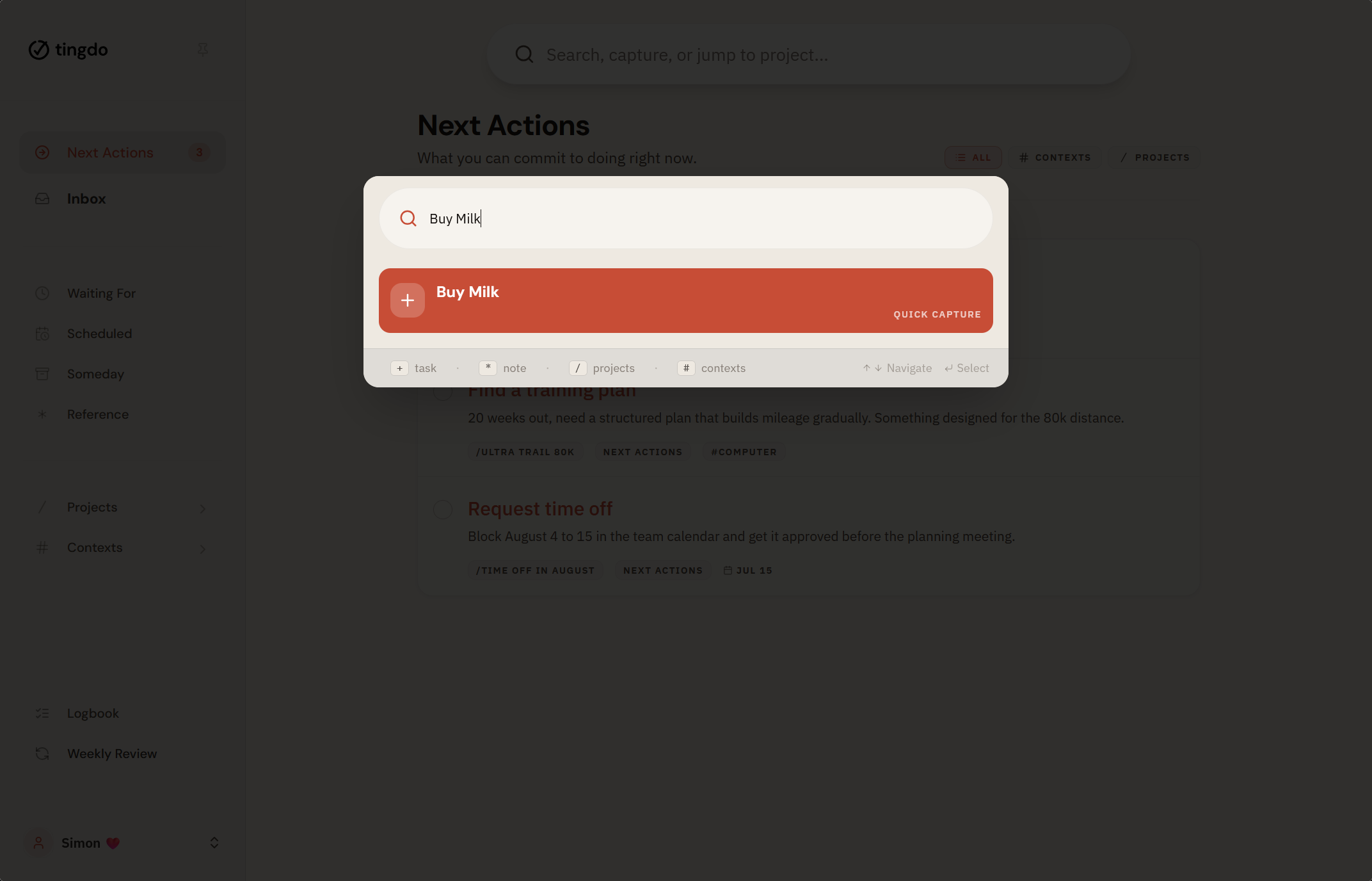
Open the next bar, type
+and a title, hit enter. The task lands in your inbox. Project, context, and deadline are optional and can be added later. See how the next bar works. -
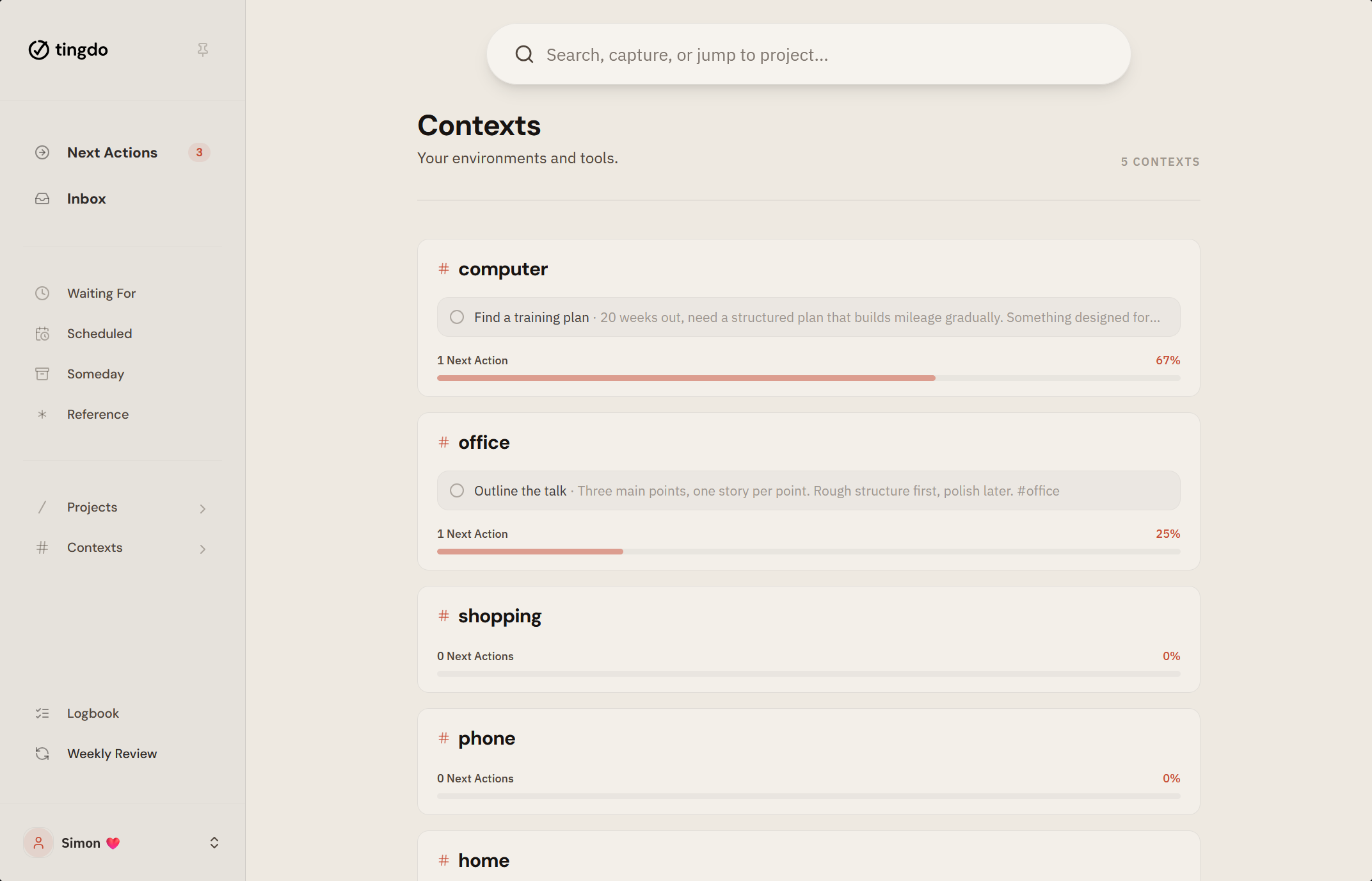
Group tasks by where you can actually do them:
#computer,#phone,#errands,#home. Anything that takes more than one step becomes a project with its own next action, and the projects that serve the same ongoing responsibility sit together in one area of focus. See how contexts work. -
Your first screen shows the things you can act on right now, grouped by context. No overdue counters, no red badges, no streaks. Focus mode takes it one task at a time. See how next actions work.
Once a week, a guided review keeps the system honest. Read how the weekly review works, or see all features.
No credit card needed. Unlimited for one week, on us.
A different approach
What tingdo does differently
Next actions, not deadlines.
The only question that matters: what's the next thing you can do? Everything else is context, not urgency. If the idea is new to you, start with our Getting Things Done summary.
Notes live with your tasks.
Reference material like passwords, dimensions, or policy numbers lives right inside your projects. No separate notes app needed. Read more about how tasks and notes work together.
One input for everything.
Search, create, navigate: all from a single input field. Type to find anything, capture a task, or jump to a project. See how the next bar works.
And what it leaves out
- No priority levels. Priority emerges from context, energy, and the time you have, not from a number.
- No recurring tasks. The next occurrence gets a date and waits in Scheduled. An automatic repeat piles up whatever slips, without anyone deciding.
- No subtasks, but subprojects. If a task needs steps, it's a project, and a project can hold subprojects. Each level keeps its own next action, so your lists stay flat and your system stays honest.
- No notification spam. Only genuine deadlines trigger a notification, so the app adds no pressure of its own. tingdo doesn't nag.
- No overdue state. Tasks don't turn red, so you never need a fake due date to make something show up. Missing a date means the date needs a second look, not that you failed.
Switching
Bringing your tasks over is the easy part
- Import from the app you use now, or from a CSV file. Your existing tasks come with you. See how import works.
- Export your tasks and projects to JSON or CSV whenever you want a copy. Your data is never trapped. See how export works.
- Works offline and installs on any device, no app store needed. See how to install it.
- Free is not a trial: 5 projects, 2 areas, 3 contexts, no time limit, no card. See what each plan includes.
Behind tingdo
Built by people who open it every morning
We spent more time keeping our task apps in order than doing the work inside them. We used tags as contexts. We used saved filters as next action lists. We put dates on tasks that had no real date. You may have built the same workarounds. Each one makes sense on its own. Together they become a second job.
So we wrote down the app we wanted, and a second list of everything we didn't want in it. We built it in the evenings and on weekends, and used it ourselves for months before anyone else could.
Ready to try a calmer way to get things done?
Try tingdoNo credit card needed.
Try Unlimited for one week, on us. No card needed.