
Install
tingdo on any device
tingdo installs to your home screen, Dock, or taskbar and runs in its own window. No app store needed.
Install on iPhone and iPad
On iPhone and iPad you install through Safari. Other browsers can't add apps to the home screen on iOS.
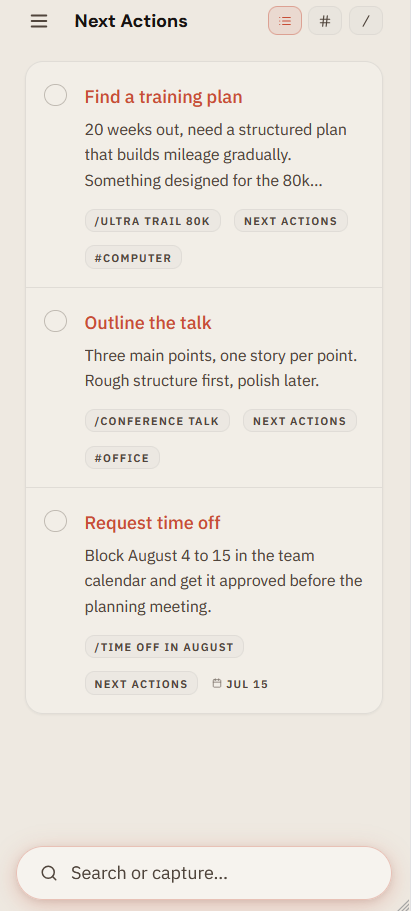
Open tingdo in Safari
Go to web.tingdo.app in Safari.
Tap the share button
The square with an upward arrow, at the bottom of the screen on iPhone, at the top on iPad.
Choose "Add to Home Screen"
Scroll down in the share sheet if you don't see it right away.
Confirm the name
Safari suggests "tingdo". Tap Add in the top right.
You're set
tingdo opens full screen from your home screen, with no address bar.
Install on Android
Works in Chrome, the default browser on most Android phones.
Open tingdo in Chrome
Go to web.tingdo.app in Chrome.
Open the browser menu
Tap the three dots in the top right.
Choose "Install app"
Depending on your version it may read "Add to Home screen". Tap it.
Confirm
Tap Install, or Add.
You're set
tingdo lands on your home screen and opens in its own window.
Install on Windows
Use Microsoft Edge or Chrome. Edge comes with Windows.
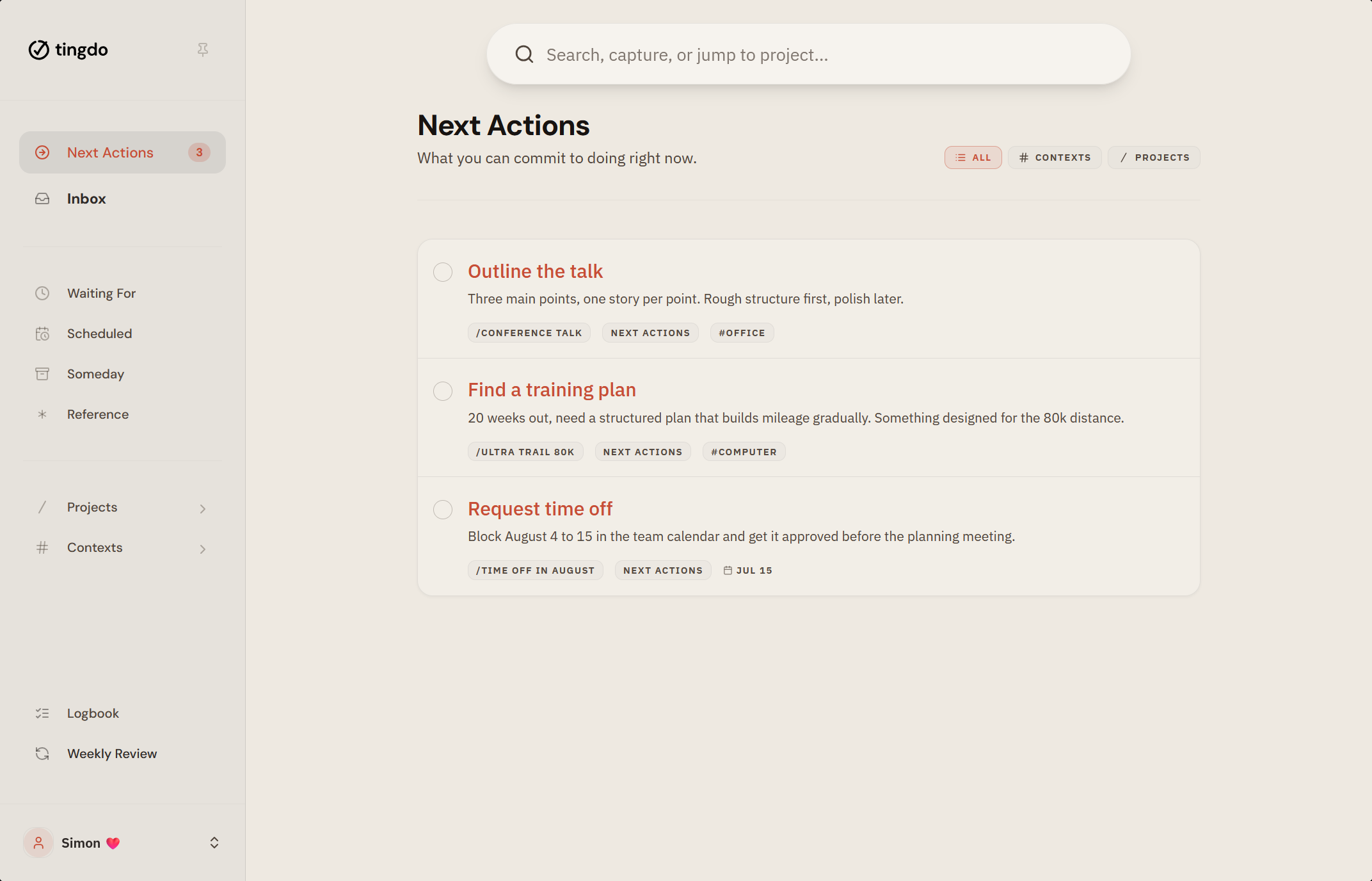
Open tingdo in Edge or Chrome
Go to web.tingdo.app.
Find the install icon
A small screen icon sits at the right end of the address bar. No icon? Open the browser menu, then Apps, then "Install this site as an app".
Click Install
Confirm in the dialog that appears.
You're set
tingdo opens in its own window with an entry in your Start menu. Pin it to the taskbar if you like.
Install on macOS
Safari 17 and later can add tingdo to your Dock. Chrome and Edge work too.
Open tingdo in Safari
Go to web.tingdo.app.
Open the File menu
Choose "Add to Dock". In Chrome or Edge, click the install icon in the address bar instead.
Confirm the name
Safari suggests "tingdo". Click Add.
You're set
tingdo lives in your Dock and opens in its own window.
A real app
Without the app store
Installing tingdo gives you what a download from the App Store or Play Store would: an icon on your home screen and an app that behaves like the other apps on your device, because that is what it is.
What you skip is the friction. Nothing to download, no storage to clear, no update prompts to dismiss. tingdo keeps itself current, and it's the same app whether you open it on your phone, your laptop, or a computer that isn't yours. Start in your browser today, install it when you're ready, and find everything where you left it.
The technology behind this is called a progressive web app. You don't need to think about it.
- Opens instantly, in its own window with no browser bar.
- Works offline. Your tasks are there without a connection.
- Updates itself, with no app store involved.
- Syncs across your devices when you're back online.
Installing changes how tingdo opens, not what it can do. Everything works the same in the browser, so there is no wrong choice.
Coming later
What about native apps?
Prefer a store download? It's on the way. Native Android and iOS apps are in development and will land in the Play Store and App Store when they're ready. Until then, you're not missing anything: the installed web app is the full tingdo today. Start now, and switch to the native app later if you like.